

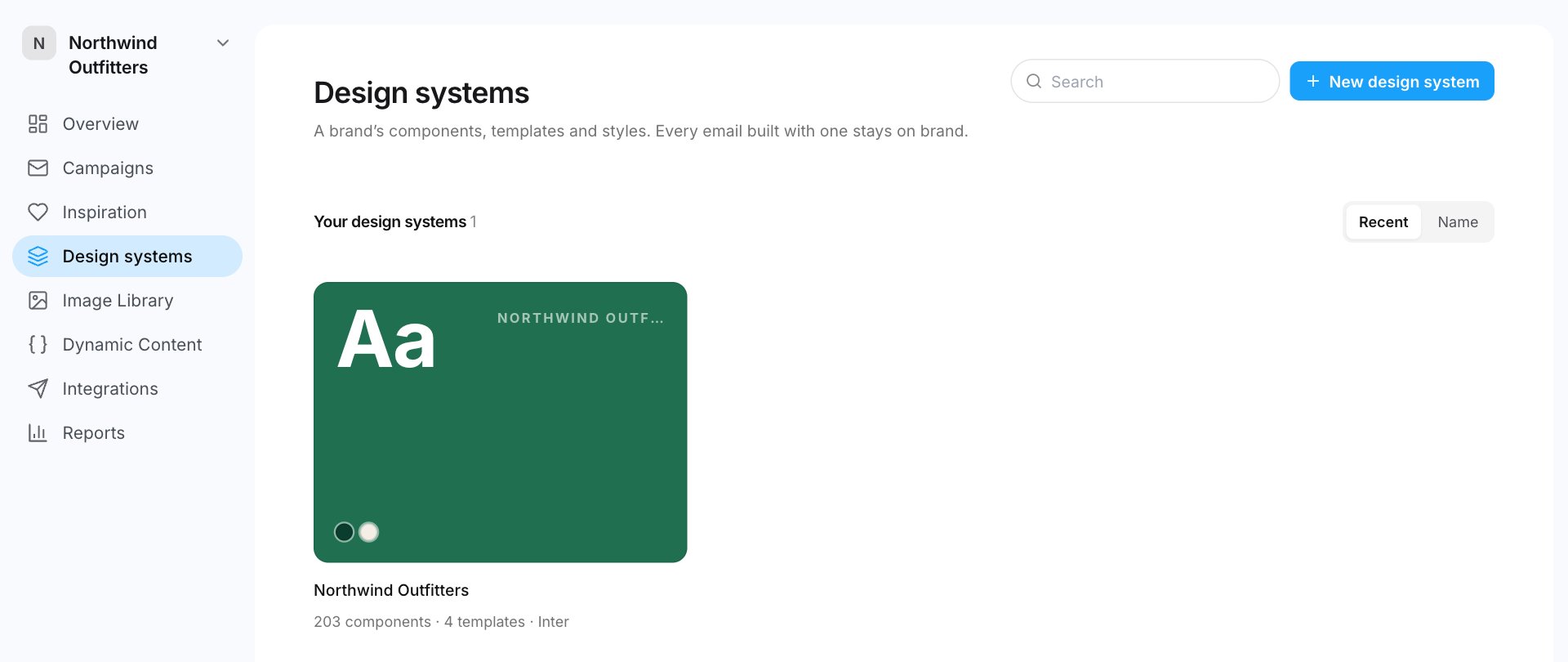
What a design system holds
Open Design systems in the sidebar and click a design system. It has five tabs:
On the Brand styles tab, Preview an email shows the brand on a sample email, and Use in a campaign starts an email from it.
Ways to create one
- From your Figma file. We read the file and build your components and templates.
- From emails. Pick your brand on Email Love, or paste or upload emails you’ve sent. We rebuild them as your components and templates.
- From Email Love’s starter. Email Love’s own library of components and templates, in your styles.
- From an example. Copy one of the example design systems on the Design systems page.
Who can manage design systems
Creating and changing design systems takes the Design System Admin setting. Workspace owners and admins always have it. An owner or admin can turn it on for anyone in Settings › Members. See Roles and invites. People without it don’t see Design systems in the sidebar. They still build emails from the design system’s components and templates, and they can read its AI knowledge.How many you can have
On the Free plan, one design system can be built with AI, ever. Deleting it doesn’t give that import back. Email Love’s starter and examples don’t use it. See Plans and billing.