

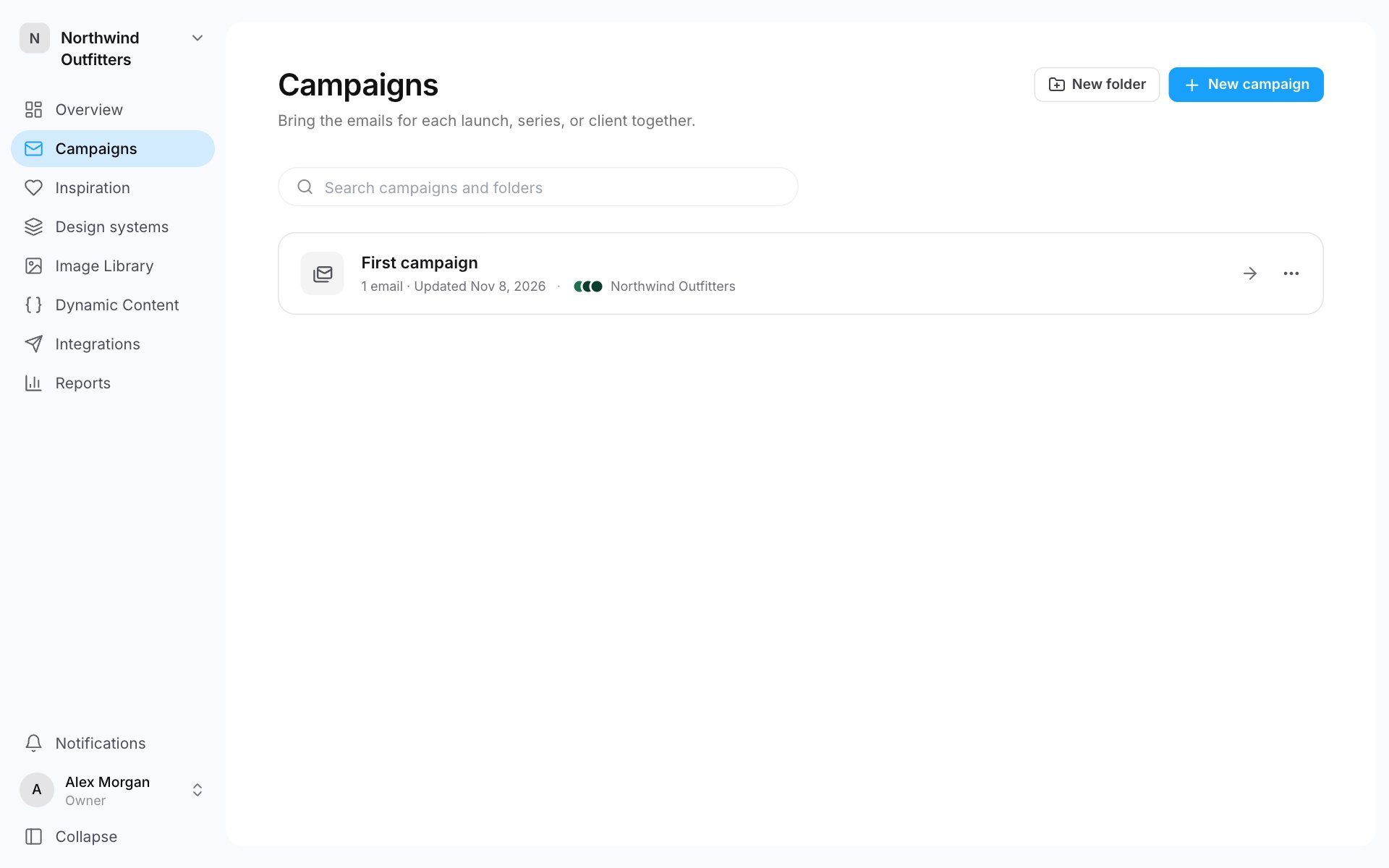
Create a campaign
- Go to Campaigns.
- Click New campaign.
- Enter a Campaign name and, if you like, a Description.
- Click Create campaign. The campaign opens.
Add an email to a campaign
- Open the campaign and click New email.
- Choose how to start:
- Blank email: build it from your components.
- From a template: a ready layout from your design system.
- From a Figma frame: paste a link to a Figma frame and the Builder rebuilds it as an email.
- Check the Campaign and Design system, and pick a Template if you chose one.
- Enter an Email name and click Create email. The email opens in the editor.
Work with emails in a campaign
Each email has a ⋯ menu:
Tick several emails to move or delete them together.
Folders
Folders are one level deep: a folder holds campaigns, not other folders.- Create a folder: on Campaigns, click New folder, enter a Folder name, tick any campaigns to move into it, and click Create folder.
- Move a campaign: open the campaign’s ⋯ menu, choose Move to folder and pick a folder. You can also drag a campaign onto a folder.
- Rename or delete a folder: open the folder and use the Folder menu. Deleting a folder keeps its campaigns. They move to Not in a folder.
Delete a campaign
Open the campaign, click Edit campaign, then Delete campaign. You can only delete an empty campaign. Move or delete its emails first.The campaign canvas
Click Open canvas in a campaign to see every email in it side by side, at desktop, mobile and dark mode sizes. The button shows once the campaign has an email.- Click an email to see its details. Double-click it to edit it.
- Leave a comment anywhere on the canvas with the comment tool at the bottom.
- See who else is looking at the campaign from their avatars and cursors.
- Chat with AI about the campaign in the AI chat panel on the left. See AI chat.
Who can do what
- Creating, editing and deleting campaigns and folders is for admins and the account owner. See Roles and invites.
- Creating and editing emails is for Editors and above.
- Viewers can open emails and comment.